
What Are WordPress Themes?
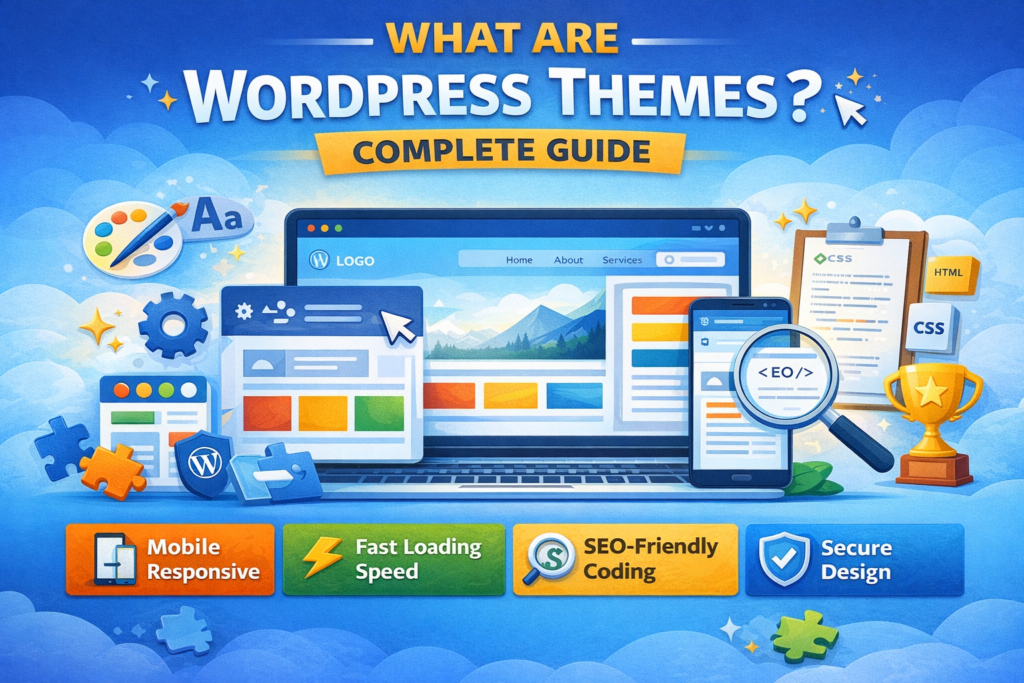
A WordPress theme is a collection of files that controls the design, layout, and overall appearance of a WordPress website. While WordPress manages the content (like posts and pages), a theme controls how that content looks to visitors.
In simple words, WordPress is the engine of your website, and the theme is the design and style.
What Does a WordPress Theme Control?
A WordPress theme controls:
Website layout (full width, boxed, grid, etc.)
Colors and typography
Header and footer design
Blog layout
Sidebar position
Menu style
Responsive design (mobile-friendly layout)
Themes do not change your content. If you change your theme, your posts and pages stay the same, but the design changes.
Types of WordPress Themes
There are mainly three types of themes:
1. Free Themes
Free themes are available in the WordPress Theme Directory. They are good for beginners and small websites.
Example:
Astra
GeneratePress
These themes are lightweight, fast, and easy to customize.
2. Premium Themes
Premium themes are paid themes that offer advanced features, better design, and professional support. They are suitable for business and eCommerce websites.
Premium themes usually include:
Advanced customization options
Demo import feature
Premium support
Extra design layouts
3. Custom Themes
Custom themes are specially developed by a developer according to client requirements. These themes are fully customized and unique.
Structure of a WordPress Theme
A WordPress theme includes several important files:
style.css (controls design and styling)
index.php (main template file)
header.php (website header)
footer.php (website footer)
functions.php (adds custom features)
Advanced themes may also include templates for blog posts, pages, archives, and WooCommerce products.
How to Install a WordPress Theme
Follow these steps:
Login to your WordPress dashboard
Go to Appearance → Themes
Click “Add New”
Search the theme name
Click Install → Activate
If you purchased a premium theme, you can upload the theme file using the “Upload Theme” option.
Important Features of a Good WordPress Theme
When choosing a theme, check for:
Mobile responsiveness
Fast loading speed
SEO-friendly coding
Regular updates
Compatibility with plugins
Easy customization options
Many themes work perfectly with plugins like Elementor and WooCommerce.
Why WordPress Themes Are Important
A good theme makes your website:
Professional-looking
User-friendly
Attractive
Easy to navigate
Optimized for SEO
If your design is clean and modern, visitors trust your website more. A bad theme can make your website slow and difficult to use.